1. Touch accuracy and points
Look for at least 10-point (ideally 20-point) infrared or capacitive touch so multiple students can interact with the panel at once during group activities.
2. True 4K resolution
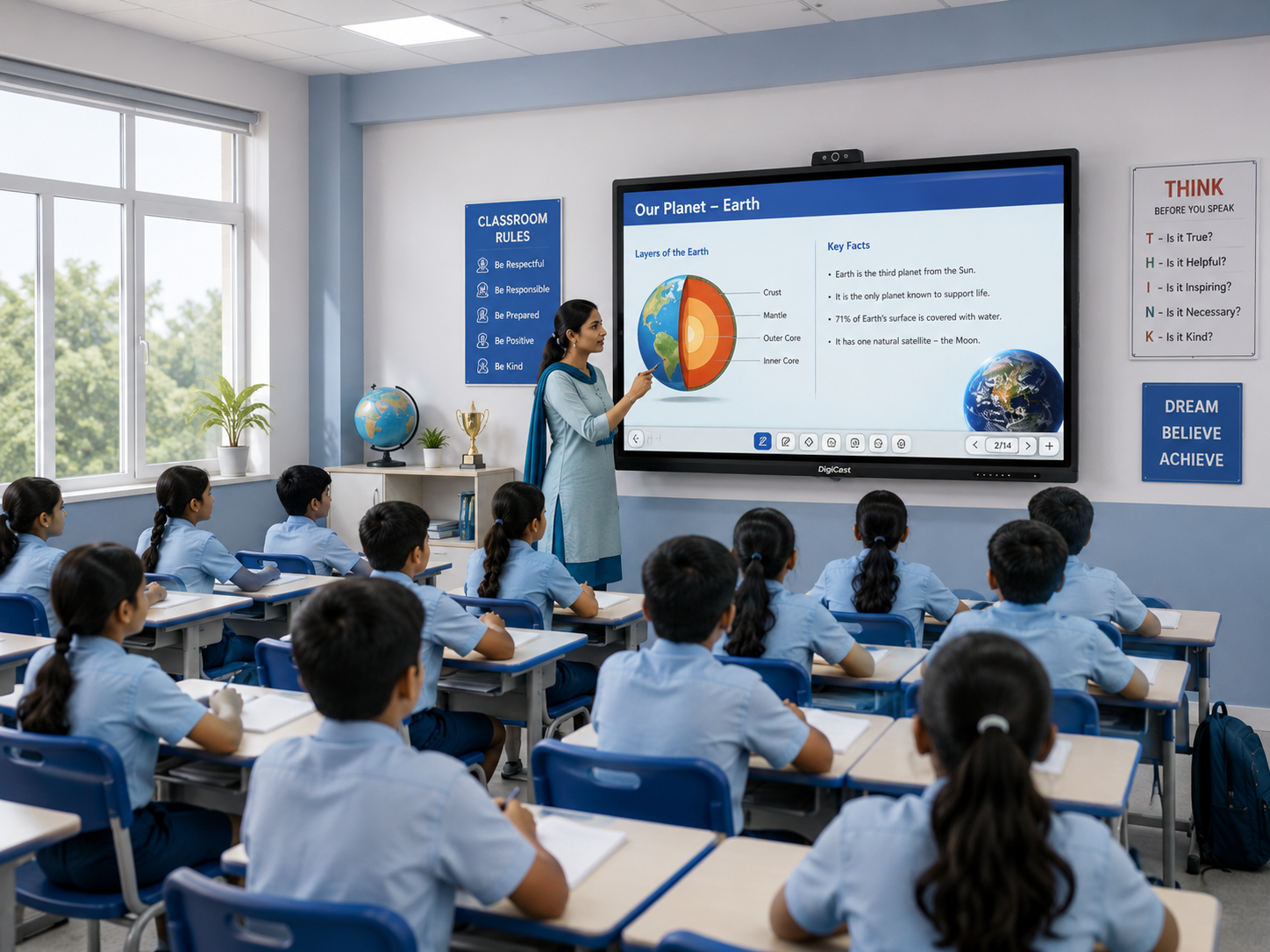
Confirm the panel is natively 4K, not just 4K-input-compatible — this affects how sharp text and diagrams look up close.
3. Built-in whiteboard software quality
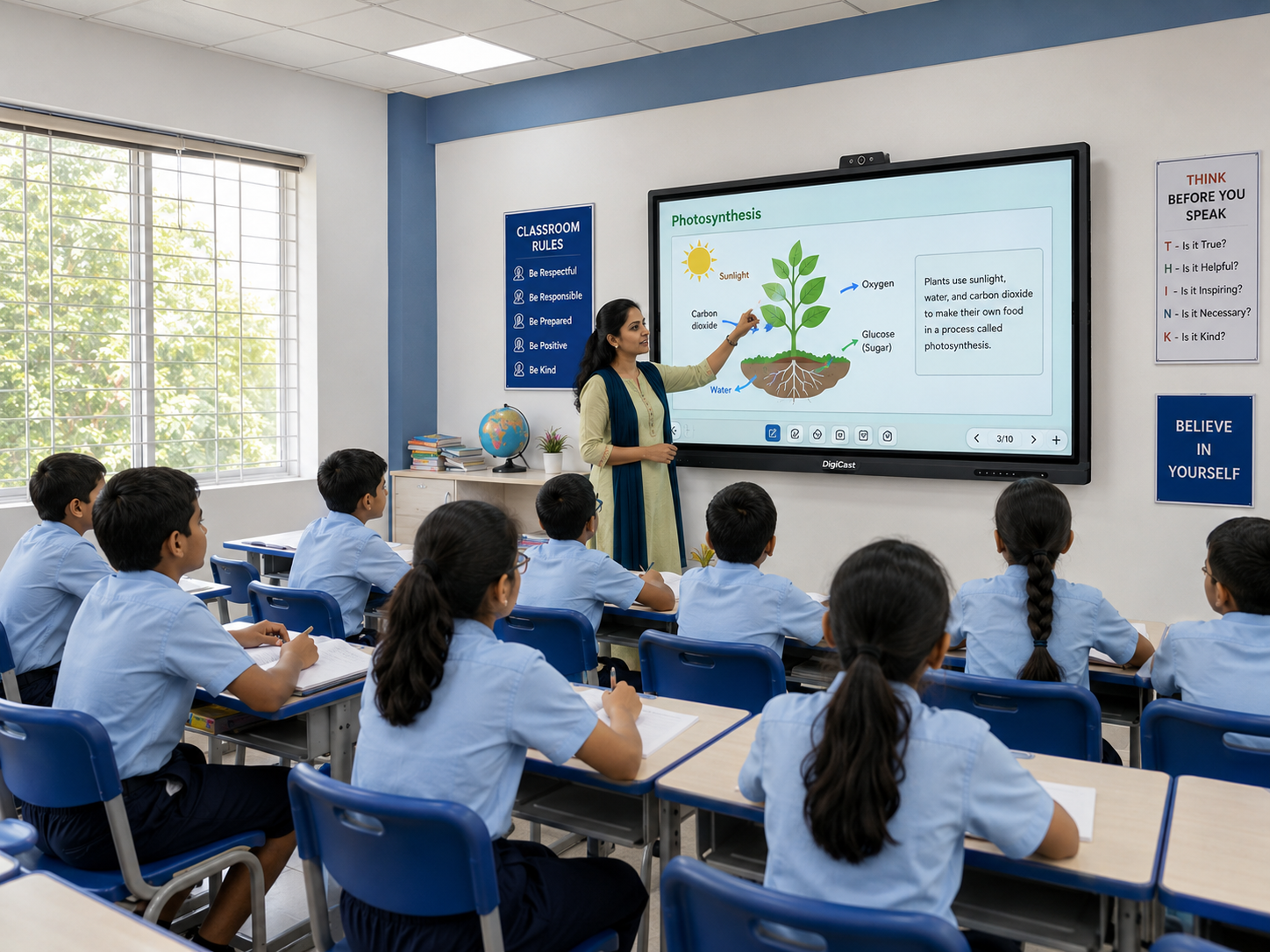
Test the annotation tools before buying. Laggy handwriting recognition or a clunky interface will frustrate teachers daily.
4. Anti-glare, eye-care display
A matte, anti-glare finish and flicker-free, low blue-light display matter for classrooms with large windows and long daily usage.
5. OPS slot for a swappable PC
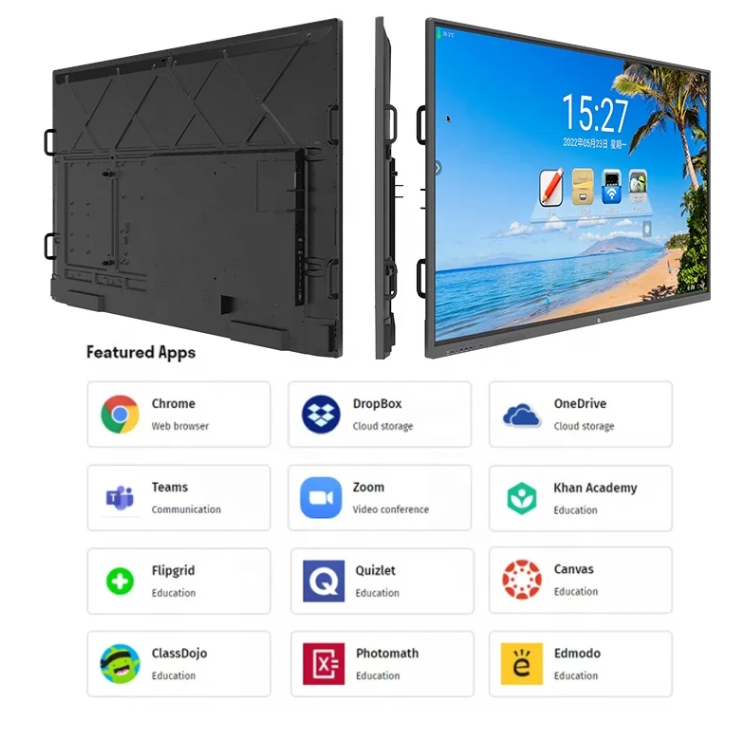
An OPS (Open Pluggable Specification) slot lets you upgrade the internal computer later without replacing the whole panel.
6. Wireless casting
Look for cross-platform screen mirroring so any teacher's laptop or phone connects without extra dongles.
7. Local installation and support
A panel is a multi-year investment — confirm your supplier offers real installation, teacher training and a support line, not just a delivery.
DigiCast panels are built around these seven points as standard. See full specifications or request a quote.
Need this for your institution?
Talk to our team for a free quote, demo or site assessment.
Trending tags