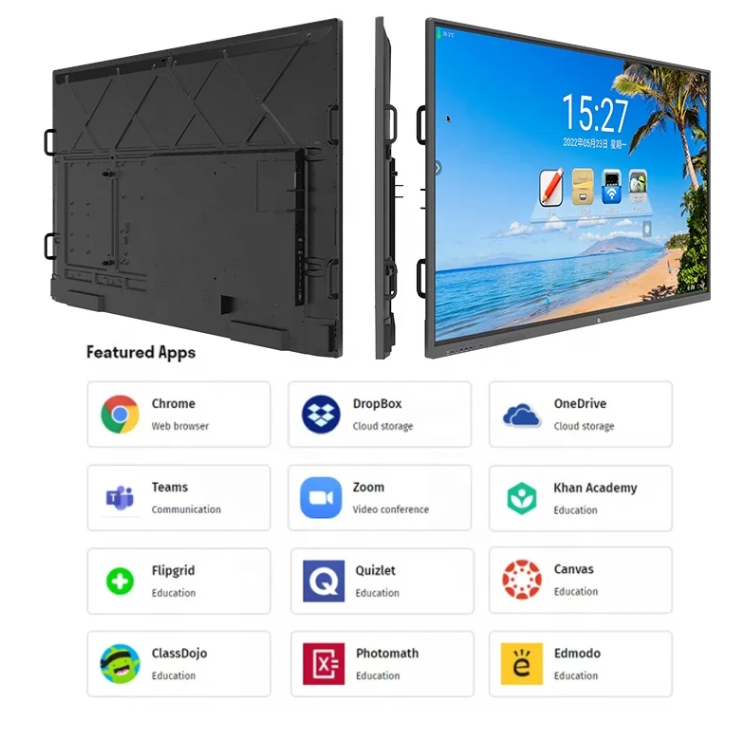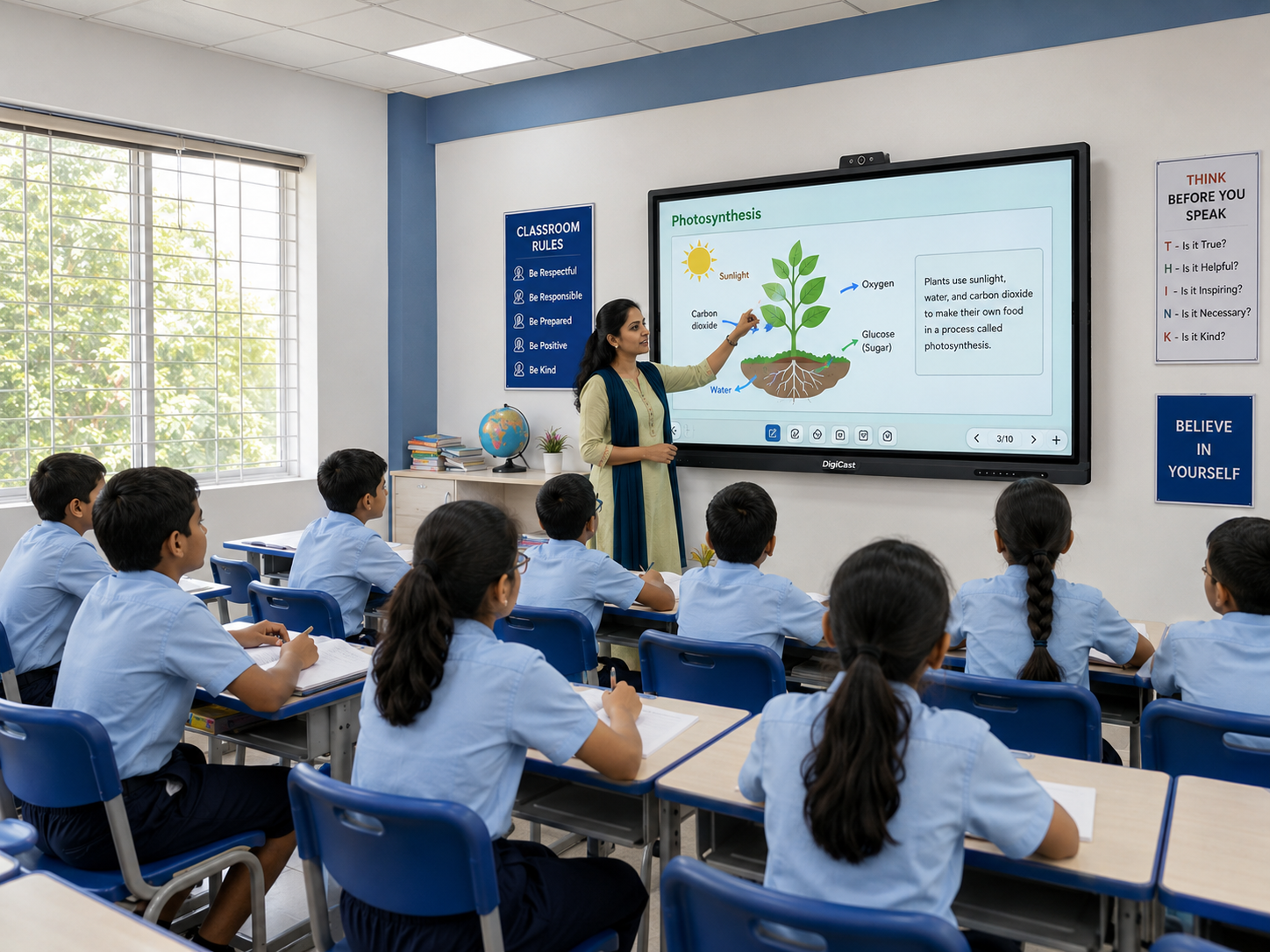
An interactive flat panel is essentially a large touchscreen display — usually 65 to 98 inches — built specifically for teaching. Think of it as combining a whiteboard, a projector screen and a computer into one wall-mounted unit that responds to touch.
How it works in a classroom
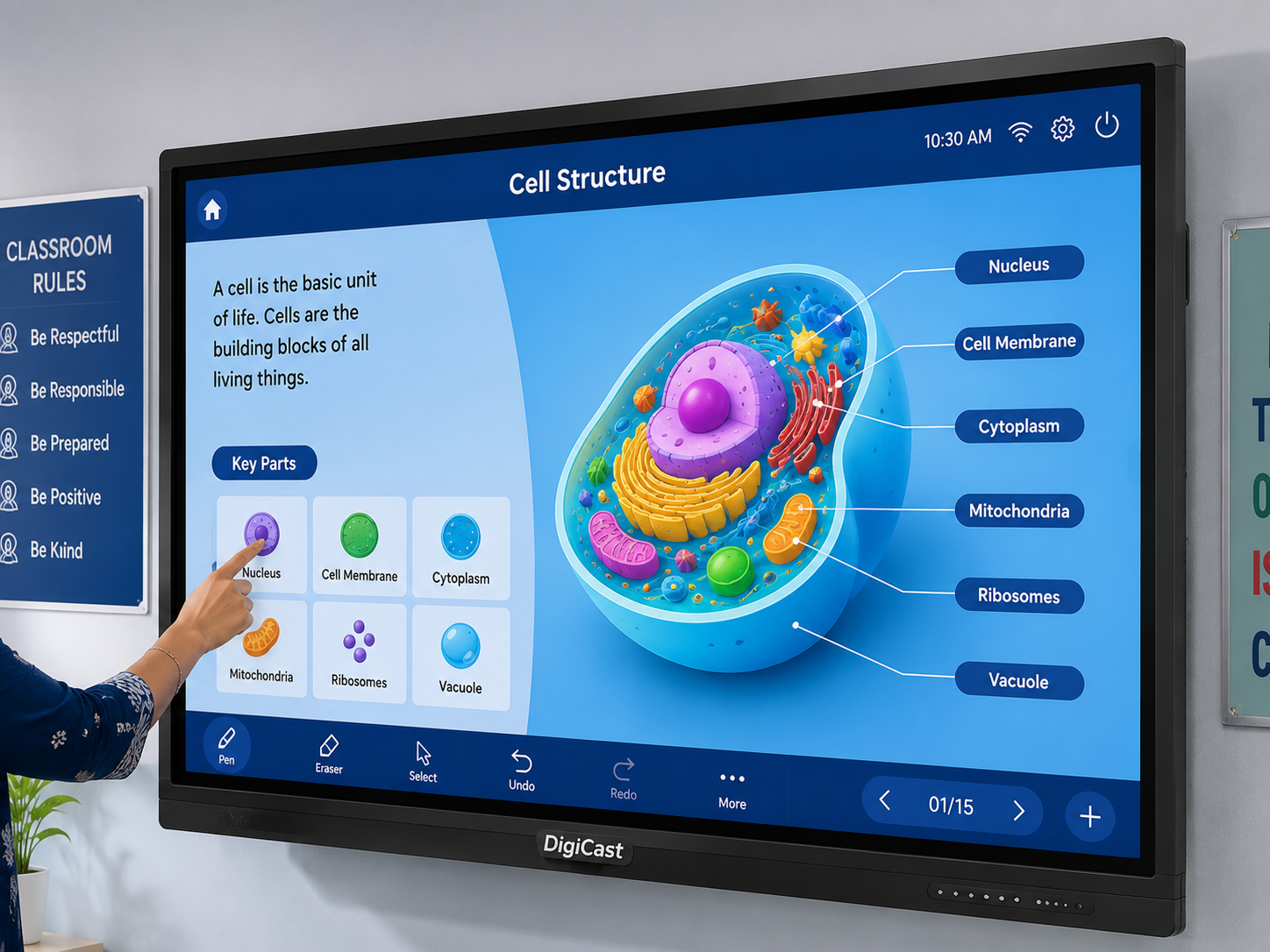
A teacher can write directly on the screen with a finger or stylus, pull up pre-loaded lesson templates, run quizzes, and cast content wirelessly from a laptop or phone — all without switching between separate devices.
What's actually inside one
- A 4K UHD touch display with 10–20 point multi-touch
- A built-in Android or Windows computer (or a slot for an external OPS PC module)
- Whiteboard software with pen, eraser, shapes and text tools
- Speakers, HDMI/USB ports and wireless casting support
Why schools are switching from projectors
The biggest practical reason is maintenance: a panel has no bulb to replace and stays consistently bright regardless of ambient light, unlike a projector image that fades in daylight.
If your school is considering its first panel, our Interactive Flat Panel page covers specifications and pricing, or you can book a free demo to see one in action before deciding.
Need this for your institution?
Talk to our team for a free quote, demo or site assessment.
Trending tags